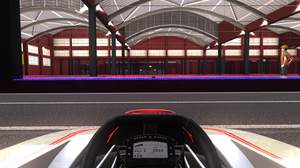
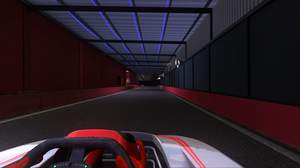
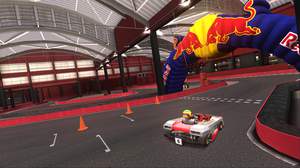
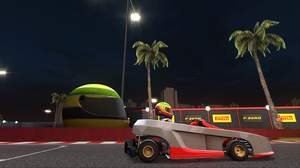
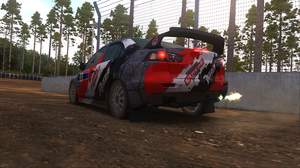
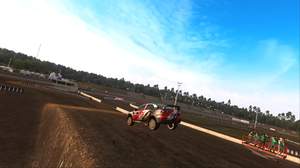
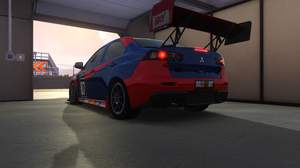
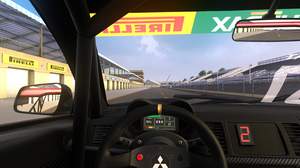
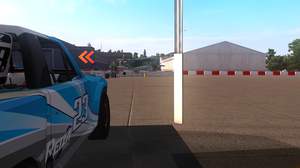
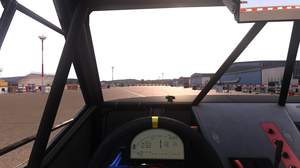
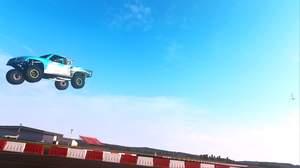
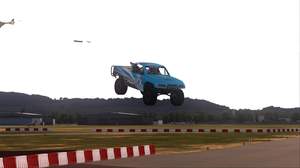
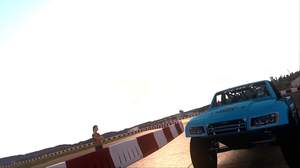
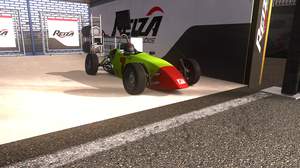
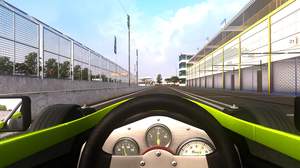
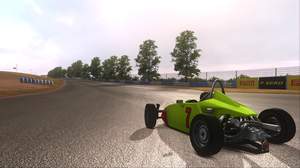
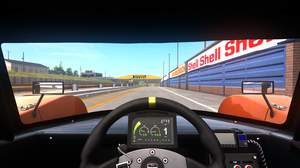
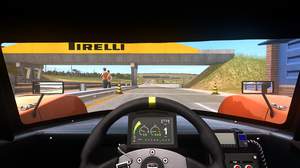
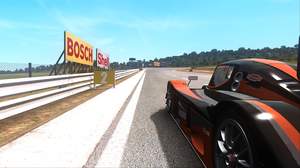
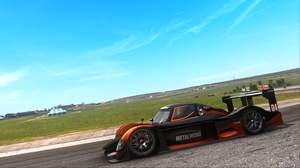
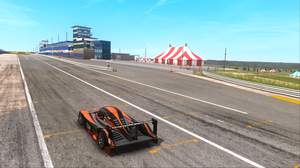
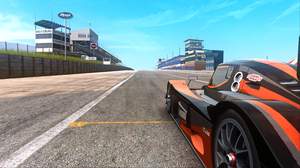
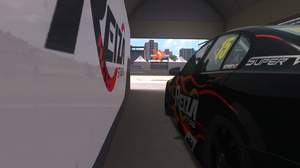
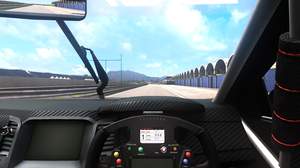
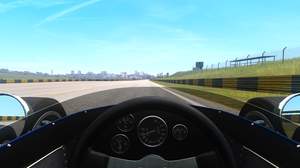
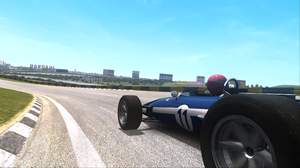
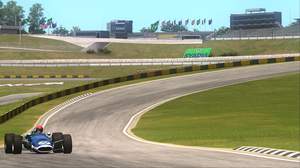
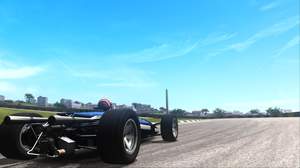
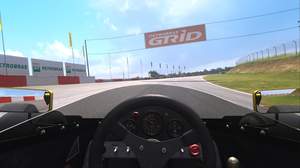
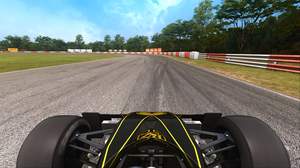
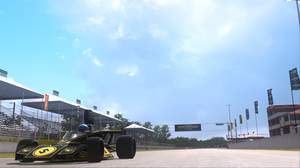
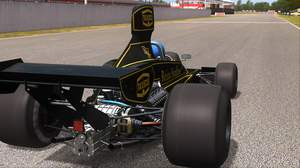
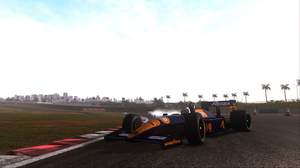
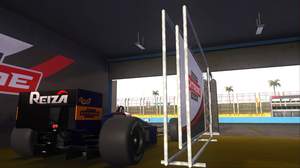
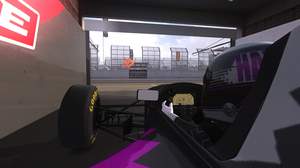
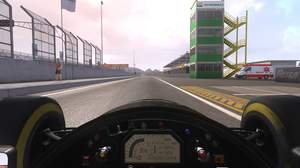
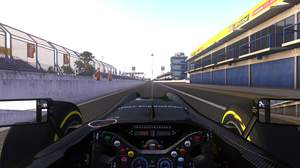
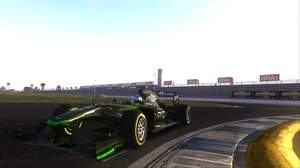
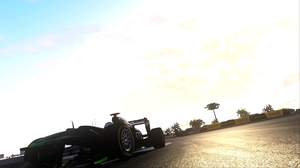
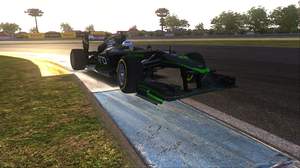
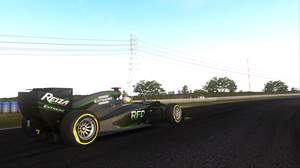
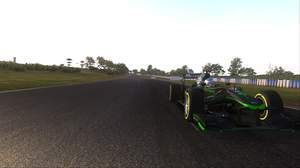
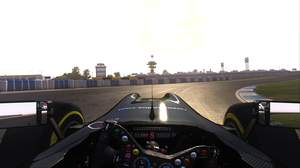
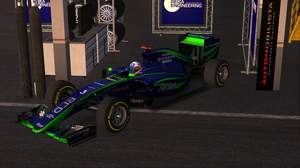
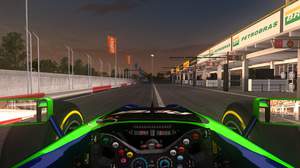
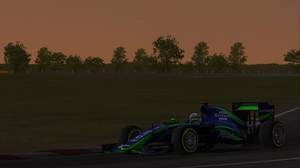
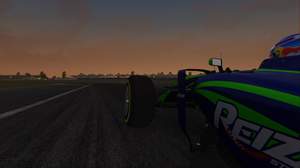
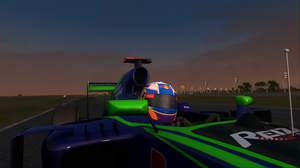
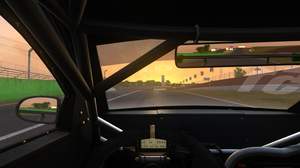
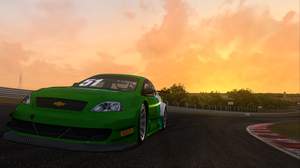
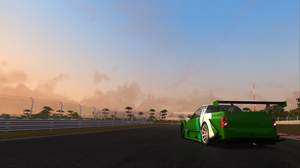
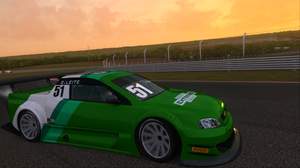
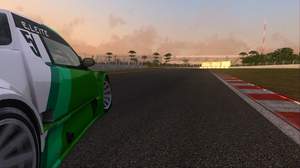
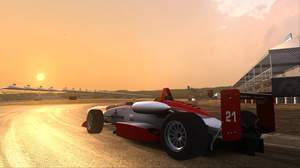
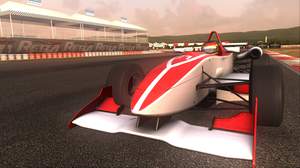
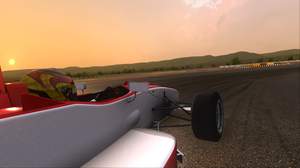
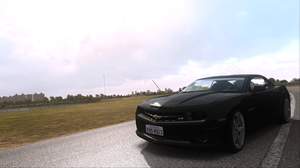
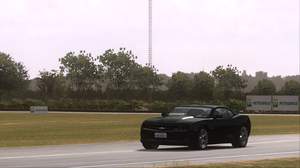
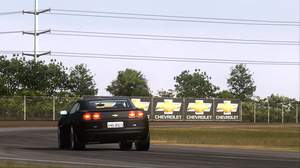
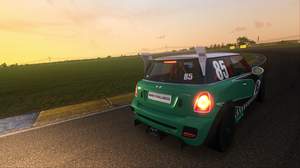
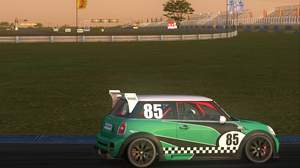
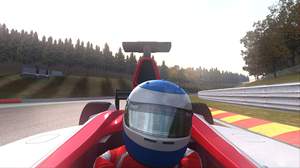
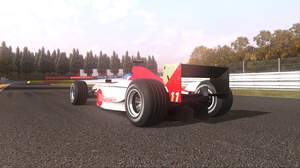
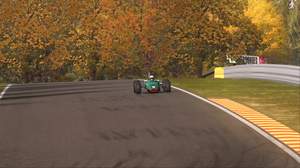
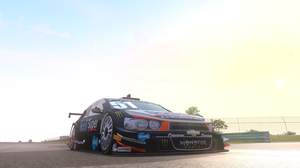
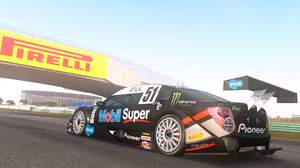
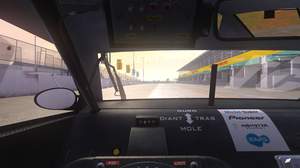
1 week, 2 days ago
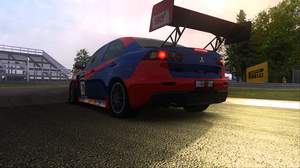
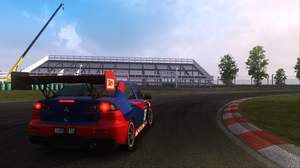
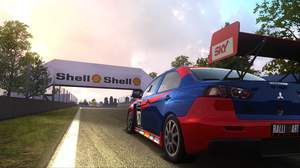
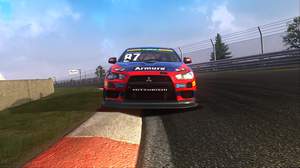
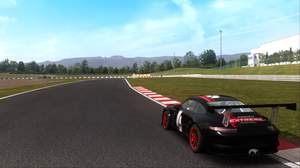
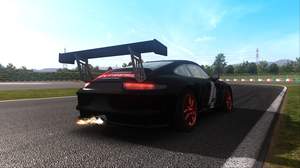
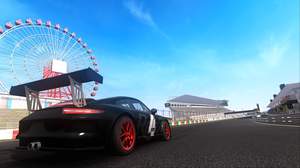
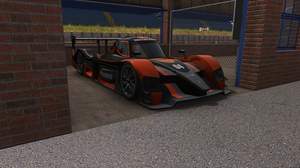
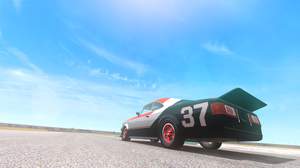
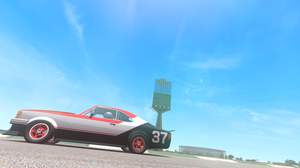
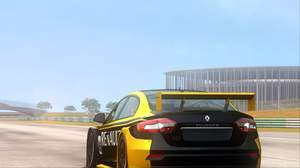
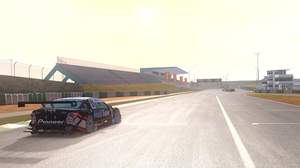
Automobilista: Alternate Shaders V2
Preset description:
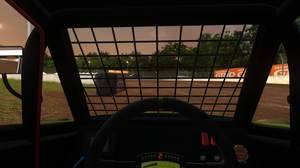
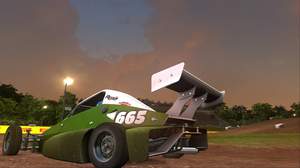
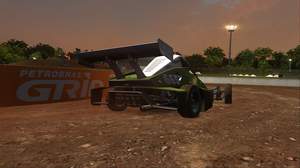
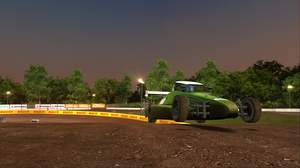
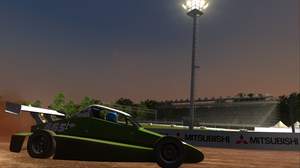
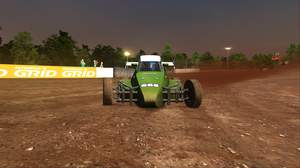
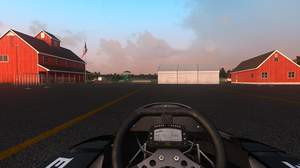
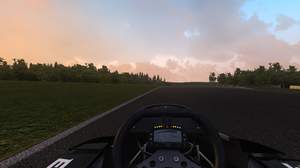
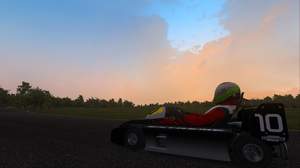
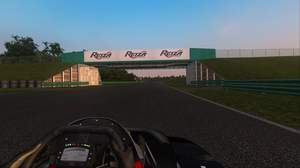
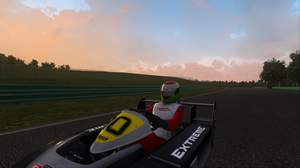
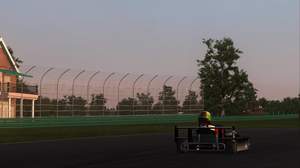
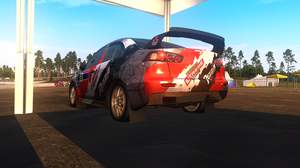
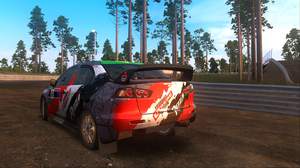
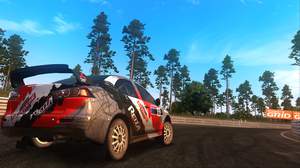
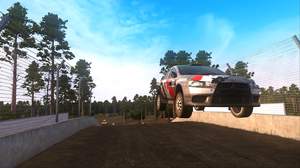
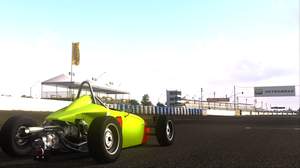
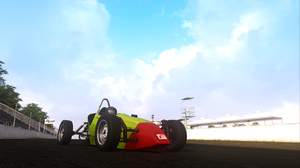
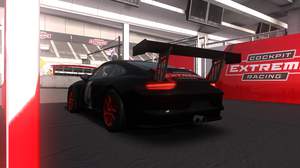
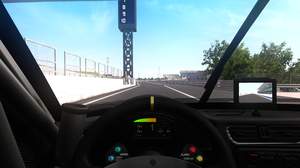
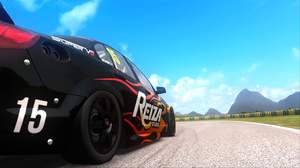
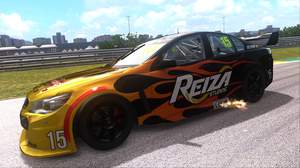
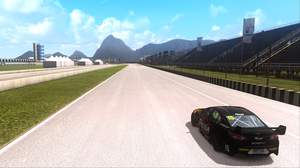
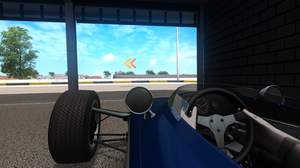
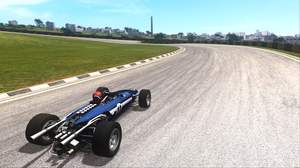
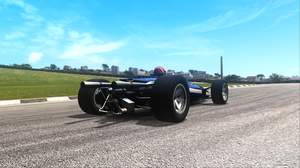
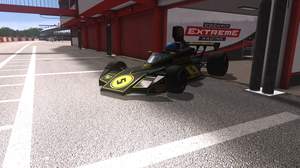
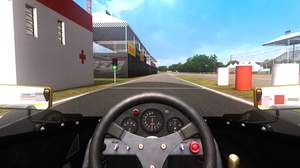
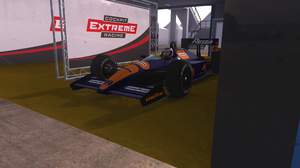
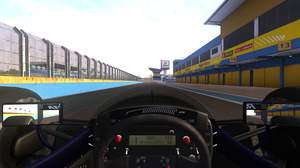
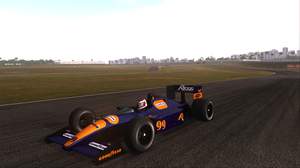
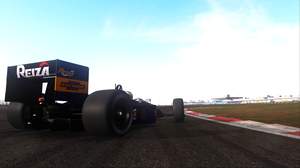
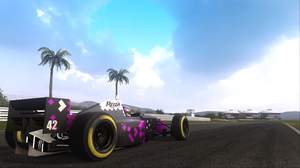
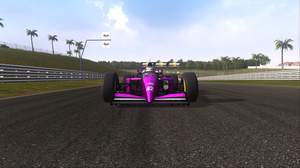
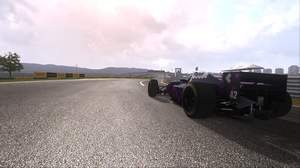
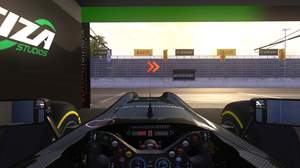
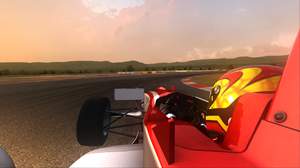
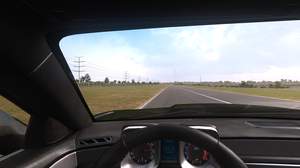
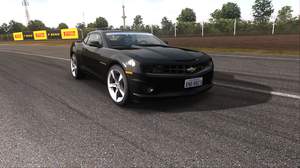
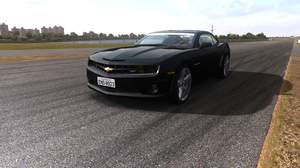
Ambient Light, Light Depth of Field(Far), HDR, LiftGammaGain, Vibrance, Sepia, SMAA. Optional MXAO for screenshooting.
This preset uses shaders which access the depth buffer, this means that using in game or driver based Anti-Aliasing WILL NOT WORK. SMAA is included in this preset but I strongly advise using supersampling(DSR/VSR)to minimise aliasing(jaggies).
Please also note that you should set and then test your DSR/VSR resolution with the stock Sweetfx disabled. Your FPS should be AT LEAST DOUBLE YOUR MONITORS REFRESH RATE before applying this mod. This is because Reshade samples the super resolution not your native resolution and can halve your framerate.
Once you have applied this mod YOU WILL NOT BE ABLE TO ACCESS THE AMS CONFIG UTILITY unless you restore the original files. This is why it's very important you set and test your DSR/VSR resolution FIRST.
Next you should make a folder called AMSbackup on your desktop. Go to the folder where you have installed Automobilista then Cut and Paste the following files from there into your backup folder:
http://imgur.com/a/On7DJ
INSTALLATION
Download this zip folder and extract to Automobilista main directory:
https://mega.nz/#!H0ZEiCzJ!QSlWJ-d_zZbgrLqjJyjbS85vfc1Kab0uhHNbpD4f-Cg
VERY IMPORTANT: Open the the d3d9.ini file and change any Path you see that starts with:
E:\SteamLibrary\steamapps\
to where ever you have your game installed, the default Path begins:
C:\Program Files (x86)\Steam\steamapps\
but like me you might have your game installed to a different location.
It's vitally important that you get the Paths right or the mod won't work!
If you are installed in the default location, here are the lines for your convenience:
TextureSearchPaths=C:\Program Files (x86)\Steam\steamapps\common\Automobilista,C:\Program Files (x86)\Steam\steamapps\common\Automobilista\reshade-shaders-master\Textures
EffectSearchPaths=C:\Program Files (x86)\Steam\steamapps\common\Automobilista,C:\Program Files (x86)\Steam\steamapps\common\Automobilista\reshade-shaders-master\Shaders
ScreenshotPath=C:\Program Files (x86)\Steam\steamapps\common\Automobilista
PresetFiles=C:\Program Files (x86)\Steam\steamapps\common\Automobilista\Heroflex.ini
You can now play!
If the effects don't load properly at start up just open the ReShade overlay (Alt+F2) and click Reload in the bottom left corner of the window.
You can toggle MXAO (and others) on and off here when taking screenshots. I left it disabled because the effect is subtle but has a big hit on FPS. It is not on in the screenshots posted here.
DO NOT switch from 'Configuration Mode' to 'Performance Mode' as this may cause a compile error.
UNINSTALL
Delete or move these files:
http://imgur.com/a/7PcXu
Replace them with the ones in your backup folder. Alternatively 'VERIFY INTEGRITY OF GAME FILES' through Steam and it will download the files for you.
I hope you enjoy this effects preset, happy driving!
-Heroflex
KeyLightDoF_Near=0,0,0,0
KeyAmbientLight=0,0,0,0
KeySMAA=0,0,0,0
KeyVibrance=0,0,0,0
KeyHDR=0,0,0,0
KeyTint=0,0,0,0
KeyLiftGammaGain=0,0,0,0
KeyLightDoF_AutoFocus=0,0,0,0
KeyLightDoF_Far=0,0,0,0
KeyMXAO=0,0,0,0
Techniques=AmbientLight,HDR,LiftGammaGain,LightDoF_Far,Tint,SMAA,Vibrance
[Vibrance.fx]
Vibrance=0.150000
VibranceRGBBalance=1.000000,1.000000,1.000000
[SMAA.fx]
EdgeDetectionType=2.000000
EdgeDetectionThreshold=0.010000
MaxSearchSteps=98.000000
MaxSearchStepsDiagonal=16.000000
CornerRounding=25.000000
DebugOutput=0.000000
[AmbientLight.fx]
alAdaptBaseMult=1.000000
alDebug=0.000000
alInt=9.000000
AL_DirtTex=1.000000
AL_Adaptive=2.000000
alThreshold=15.000001
AL_Adaptation=1.000000
AL_Dirt=1.000000
alAdapt=0.700000
alLensThresh=0.500000
alAdaptBaseBlackLvL=2.000000
AL_Vibrance=1.000000
alDirtInt=0.100000
alDirtOVInt=0.100000
AL_Lens=0.000000
alLensInt=2.000000
[Sepia.fx]
Tint=0.550000,0.430000,0.420000
Strength=0.220000
[HDR.fx]
HDRPower=1.280000
radius1=0.793000
radius2=0.900000
[LiftGammaGain.fx]
RGB_Lift=1.000000,1.000000,1.000000
RGB_Gamma=1.100000,1.100000,1.100000
RGB_Gain=1.000000,1.000000,1.000000
[LightDoF.fx]
fLightDoF_Width=5.000000
f2Bokeh_AutoFocusCenter=0.500000,0.500000
f2LightDoF_CA=0.000000,1.000000
fLightDoF_Amount=0.250000
bLightDoF_UseCA=0.000000
bLightDoF_AutoFocus=1.000000
fLightDoF_ManualFocus=0.000000
bLightDoF_UseMouseFocus=0.000000
fLightDoF_AutoFocusSpeed=0.100000
[MXAO.fx]
bMXAODebugViewEnable=0.000000
bMXAOSmoothNormalsEnable=0.000000
fMXAOAmbientOcclusionAmount=2.000000
fMXAONormalBias=0.200000
iMXAOBayerDitherLevel=3.000000
fMXAOIndirectLightingAmount=4.000000
iMXAOSampleCount=24.000000
fMXAOIndirectLightingSaturation=1.000000
fMXAOSampleRadius=2.500000
fMXAOBlurSharpness=2.000000
fMXAOBlurSteps=2.000000
fMXAOFadeoutStart=0.200000
fMXAOFadeoutEnd=0.400000
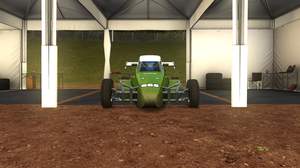
What a great preset. Wonderful.
Thanx a lot for this optimized use of reshade. You great
Hi
I've managed to install this and get working but it needed the 'Shader.fx' file removed from the main game directory, your instructions doesn't mention this other wise i get an error on loading? Also when everything works it disables any original DynHUD or any modded Hud i had, which is a major problem.
Any advise? Apart from the issues it makes the visuals 100% better but would like to tweak some.