Effects=LumaSharpen.fx,DPX.fx,Levels.fx,Vibrance.fx
Techniques=DPX,Levels,LumaSharpen,Vibrance
TechniqueSorting=DPX,Levels,LumaSharpen,Vibrance
[Vibrance.fx]
Vibrance=0.150000
VibranceRGBBalance=1.000000,1.000000,1.000000
[DPX.fx]
RGB_Curve=8.000000,8.000000,8.000000
Strength=0.200000
RGB_C=0.360000,0.360000,0.340000
Contrast=0.100000
Saturation=3.000000
Colorfulness=2.500000
[LumaSharpen.fx]
sharp_strength=0.650000
pattern=1
sharp_clamp=0.035000
offset_bias=1.000000
show_sharpen=0
[Levels.fx]
BlackPoint=16
WhitePoint=235
HighlightClipping=0
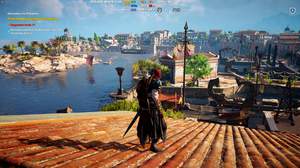
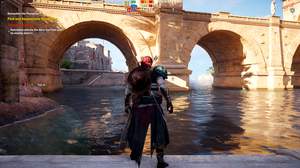


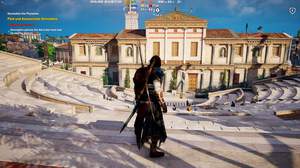

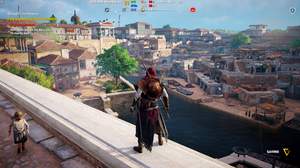


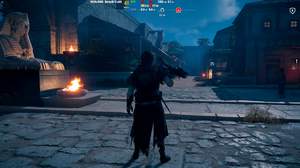
Update: Also the 'PresetFiles' location
It's a good preset but you will have to make some changes if your game is installed other than "c-program files".
After copying to game directory, open dxgi.ini file and edit location of 'TextureSearchPaths' and 'EffectSearchPaths'.
Now, all good.
Does this have good DOF?
Guys, I can't run my Origins, it always stuck on game logo and don't go further. After deleting the Reshade files it starts just fine. Rename the files didn't help. I also made a borderless windowed mode but it seems nothing's can help me solve this problem